Typical-area setting: $20,000 is used as is (our 1.00 assumption).
Edit the split (percent)
Total 100%
How we estimate
- The split is our own planning rule of thumb, not an industry survey. Edit any percentage.
- Guest count picks the starting split: up to 50 guests, 51 to 120, and 121 or more.
- The cushion line is 5% for tips, alterations and late changes.
- Region multipliers are our assumption: lower-cost 0.85, typical 1.00, higher-cost metro 1.20. They are not measured prices.
- The region figure only restates your total in typical-area terms. It does not change the split.
Paused: fix the amount
Wedding budget (estimate)bigdaydesk.com
$20,000 total, 100 guests, typical area (estimate)
Your budget split
About $200 per guest. Food and drink about $68 per guest (our estimate).
Share this result
Send this exact result. The link opens it the same way for them.
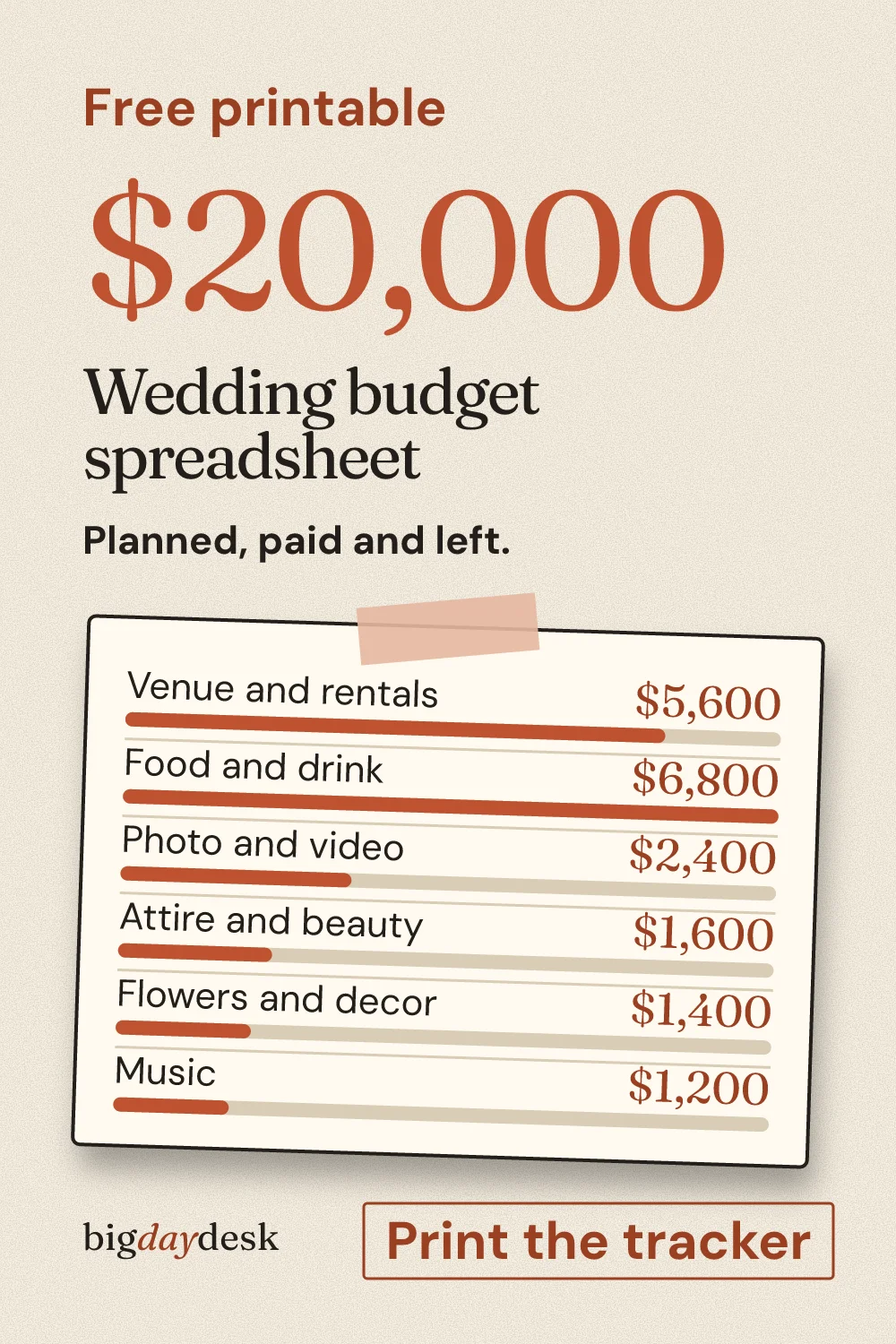
Save this result to Pinterest
Pin it now and find it when you are ready to plan.
A wedding budget spreadsheet needs five columns: planned, actual, paid, balance and left to pay. The tool above fills the planned column from your total and guest count. Copy the rows into Google Sheets or Excel, or print a tracker with blank cells. Below is a worked $20,000 example for 100 guests, built from estimates.
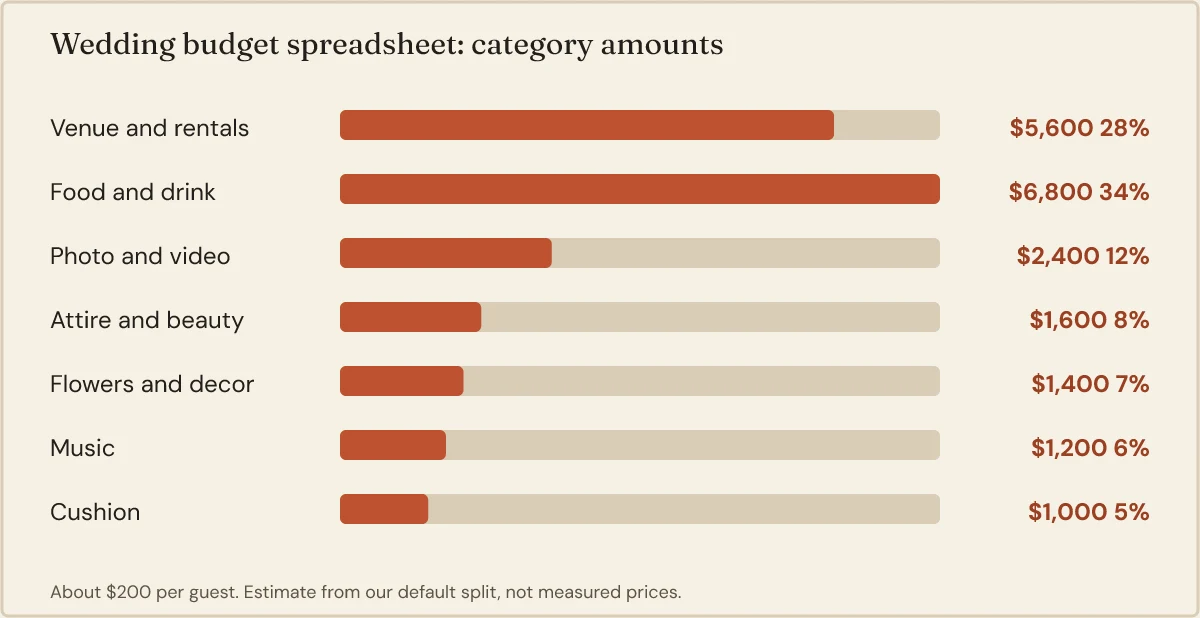
Spreadsheet table for a $20,000 wedding, filled mid-planning
Planned amounts are the tool’s default split for 100 guests. The Actual and Paid columns are made-up example numbers, so you can see how a sheet looks a few months in. Yours will differ.
Table: $20,000 budget sheet with example actual costs and payments (our estimate, assumptions below)
| Category | Planned | Actual | Paid | Balance | Left to pay |
|---|---|---|---|---|---|
| Venue and rentals | $5,600 | $5,900 | $2,950 | -$300 | $2,950 |
| Food and drink | $6,800 | $6,500 | $1,000 | $300 | $5,500 |
| Photo and video | $2,400 | $2,400 | $800 | $0 | $1,600 |
| Attire and beauty | $1,600 | $1,750 | $1,750 | -$150 | $0 |
| Flowers and decor | $1,400 | $1,400 | $0 | $0 | $1,400 |
| Music | $1,200 | $1,100 | $300 | $100 | $800 |
| Cushion | $1,000 | $400 | $400 | $600 | $0 |
| Total | $20,000 | $19,450 | $7,200 | $550 | $12,250 |
Assumptions: Planned is our default split of 28, 34, 12, 8, 7, 6 and 5 percent, which is a planning rule of thumb, not survey data. Actual and Paid are invented for illustration. Balance is Planned minus Actual, so a negative number means that line is over. Left to pay is Actual minus Paid.
Read the Total row first. The plan has $550 of room, yet only $7,200 has left your account. The other $12,250 is still owed, and that is the number that decides your cash needs in the coming months.
Copy it into Google Sheets or Excel
The copy button puts tab-separated text on your clipboard. Both programs split it into cells on paste. This is what the first rows look like.
Category	Planned	Actual	Paid	Balance	Left to pay
Venue and rentals	5600	5900	2950	=B2-C2	=C2-D2
Food and drink	6800	6500	1000	=B3-C3	=C3-D3
Steps
- Click Copy as spreadsheet rows in the tool, then click cell A1 in a new sheet and paste.
- Fill Balance with Planned minus Actual: in E2 type
=B2-C2and drag it down. - Fill Left to pay with Actual minus Paid: in F2 type
=C2-D2and drag it down. - Add a Total row under the last category with
=SUM(B2:B8)and repeat it for each number column. - Format Planned, Actual, Paid, Balance and Left to pay as currency, then share the sheet with your partner as an editor.
Until a vendor sends a quote, leave Actual empty rather than typing the planned figure. A blank cell is honest. A copied number hides how much is still a guess.
Which columns earn their place
Planned, Actual and Paid are the core. Everything else is optional.
- Planned: the amount you decided on. Change it on purpose, never by accident.
- Actual: the latest quote, then the contract price, then the final bill.
- Paid: cash already sent, deposits included.
- Balance: Planned minus Actual. It tells you where the plan bends.
- Left to pay: Actual minus Paid. It tells you what the bank account must cover.
- Due date: add it once deposits start. It turns Left to pay into a calendar.
- Paid by: add it when parents or friends contribute.
Tracking deposits without double counting
A deposit is a payment, not a cost. The cost is the contract price. Mixing the two makes your balance look better than it is.
Example: the venue contract is $5,900 and you send half down. Put $5,900 in Actual and $2,950 in Paid. Balance against the $5,600 plan is -$300. If you had typed $2,950 into Actual instead, the sheet would show $2,650 spare and hide a $300 overrun.
Log each payment with a date in a notes column or a second tab. When the second payment is due, you will know the amount and the day.
Three ways couples use the same sheet
Two partners, one sheet. Share one file and agree on one rule: only the person who made the payment updates Paid. Both of you can edit Actual when a quote arrives.
Parents or friends contribute. Zola reports that 88% of couples put in some of their own money, so mixed funding is common. Add a Paid by column with two or three names. Example: of the $7,200 paid above, $4,200 came from you and $3,000 from parents. A pivot or a SUMIF per name shows each person what their money covered.
Pen and paper. Print the tracker and keep it in your planner. The Planned column arrives filled, and Actual and Paid are blank boxes. Update it when a receipt lands in your inbox.
When the quote is not the final bill
Zola reports that service charges and gratuities often run 18 to 22% of vendor costs. Ask every vendor whether the quote includes service charge and tax, then log the all-in number in Actual.
Example: the $6,500 food and drink line with a 20% service charge becomes $7,800. That is $1,300 more. At 18% it is $7,670, and at 22% it is $7,930. With the 20% case, the food balance moves from +$300 to -$1,000. The Total balance moves from +$550 to -$750.
The sheet makes that visible the moment you type the real number. That is its main job.
What the cushion row is for
Our default cushion is 5%, which is $1,000 here. Zola measured hidden costs at $3,314 on average, about 9% of spend, and one planner suggests reserving at least 10%. On $20,000 a 10% reserve is $2,000.
Do not log everyday overruns against the cushion. Keep the row for things you could not name in advance, such as alterations, tips and a late rental. In the example, $400 is spent and $600 remains.
Three spreadsheet mistakes and the fix
- Typing the plan into Actual. The sheet then always looks on track. Leave Actual blank until a vendor gives a number.
- Counting a deposit as the cost. Put the contract price in Actual and the cash in Paid.
- Editing Planned to hide an overrun. If a line goes over, move money from another line on purpose and note which one. Keep the Total of Planned fixed at your real budget.
Print the tracker and fill it in as you pay
The printed page keeps Planned filled and leaves Actual and Paid empty. Write the contract price in Actual, the deposit in Paid, and cross off Left to pay as each bill clears. It fits one page, so it works as the sheet you bring to a vendor meeting.
Before you send it
Send the sheet to whoever manages the money, with a short note about who updates which column. The link keeps your total and guest count, and nothing you type is sent to a server.
If you want a percent-first view of each category before you commit, see the percent-first view of every category. Working with less money? Planning a wedding on a tighter budget shows where to trim. Curious how the sheet changes with a bigger total, the sheet at $25,000 has a two-guest-count comparison.
Per-head costs shift with the list, so compare what 100 guests do to each line. Count RSVPs with a guest list sheet with an RSVP count, and pair the money with a month-by-month checklist so each deposit has a date. To start from any other total, return to the main budget tool.
Questions people ask
How do I make a wedding budget in Google Sheets?
Paste the tab-separated rows from the copy button into cell A1. Add one formula for Balance, which is Planned minus Actual, and one for Left to pay, which is Actual minus Paid. Add a SUM row under the last category. Share the sheet with your partner as an editor so both of you update the same cells.
What columns should a wedding budget sheet have?
Five columns do the work: Planned, Actual, Paid, Balance and Left to pay. Planned is your decision, Actual is the latest quote or bill, and Paid is money that already left your account. Add Due date and Paid by later if deposits or parents are involved. Start with five and keep the sheet easy to update.
How do I track deposits?
Log the full contract price in Actual and only the money already sent in Paid. The deposit then lowers Left to pay, not your budget balance. Example: a 5,900 venue contract with a 2,950 deposit shows 2,950 paid and 2,950 left. Add a due date for the second payment so it never arrives as a surprise.
Is there a free wedding budget template to print?
Yes. The tracker above prints on one page with blank Actual and Paid columns, so you can fill them in by pen as bills arrive. Your planned amounts come from your total and guest count, and you can edit every percentage first. Nothing is uploaded, and you do not need an account to print it.
Sources
- www.zola.com/expert-advice/what-weddings-really-cost (opens in a new tab) : Zola cost guide: service charges and gratuities often run 18 to 22% of vendor costs, hidden costs averaged $3,314 (about 9% of spend), and 88% of couples put in some of their own money.
- northwesternmutual.com/life-and-money/how-to-create-a-wedding-budget-for-every-important-cost (opens in a new tab) : One wedding planner recommends reserving at least 10% of the budget for forgotten costs and emergencies.
Updated by bigdaydesk editorial
Keep planning
-
Split planning on a budget
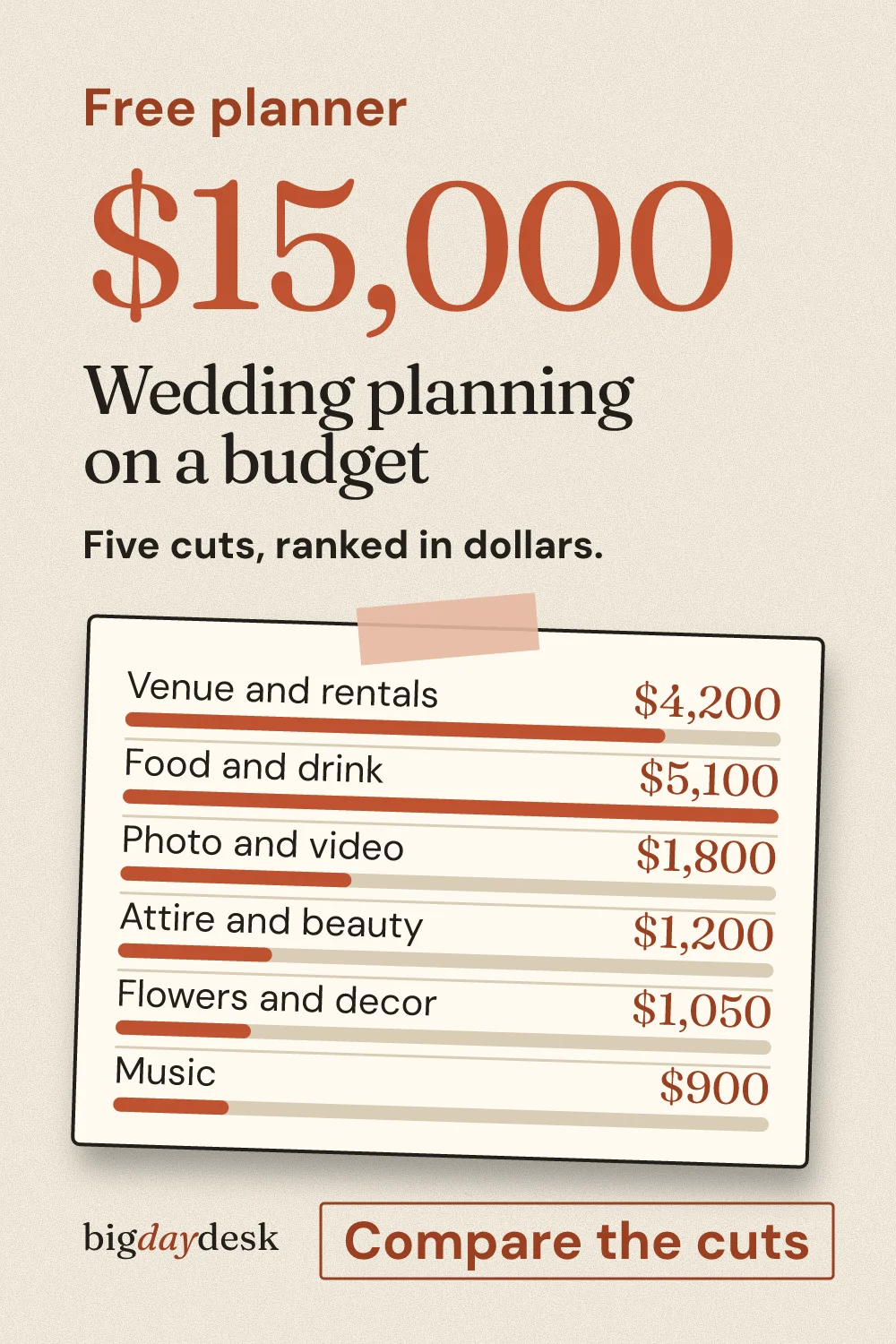
Ranks five common cuts (guests, hours, season, day, venue type) by dollars saved at the same total, using our own percentages.
-
Split budget breakdown
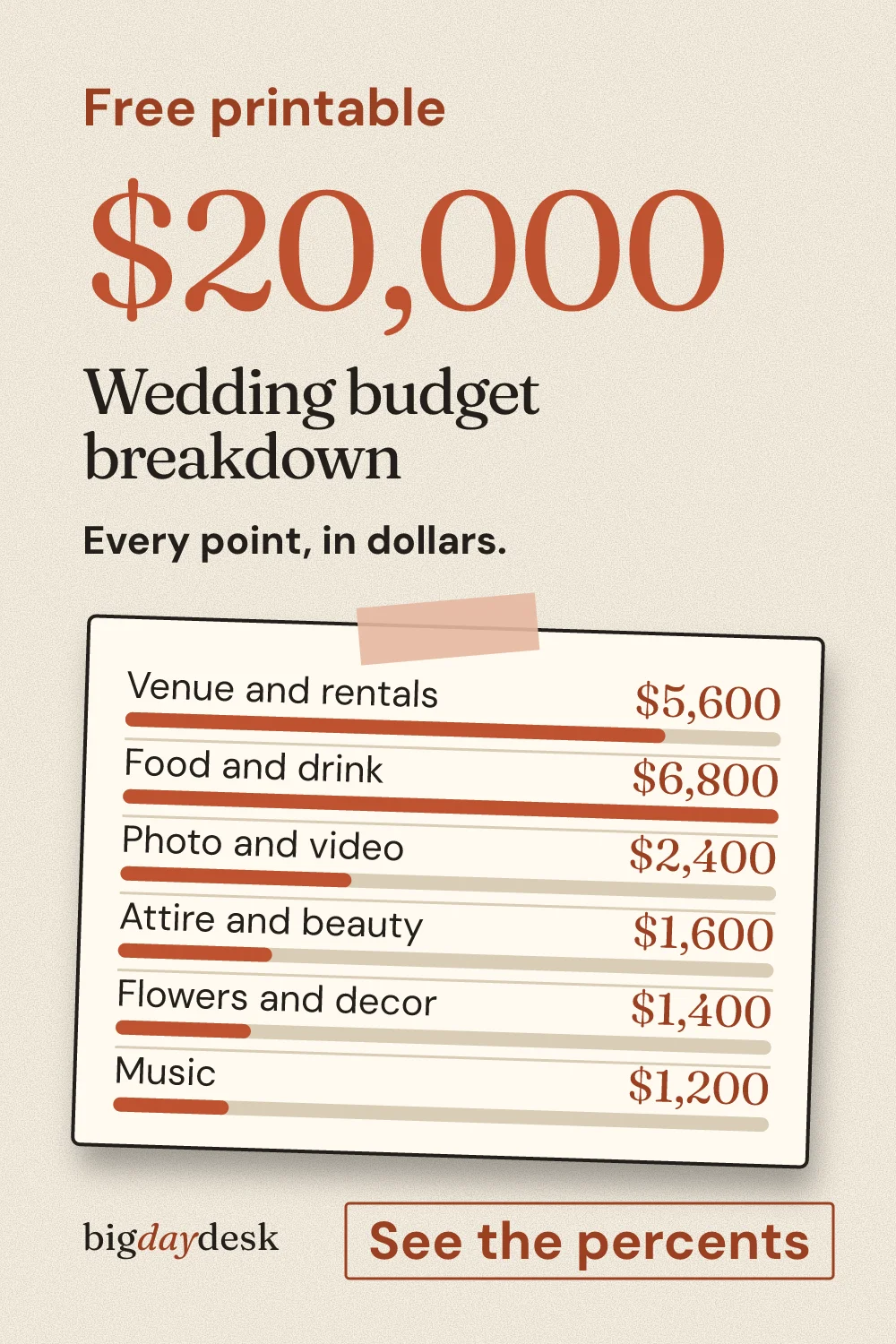
Percent-first view of the same split: drag points between categories and the dollar amounts and per-guest cost follow.
-
10k wedding budget, split by category
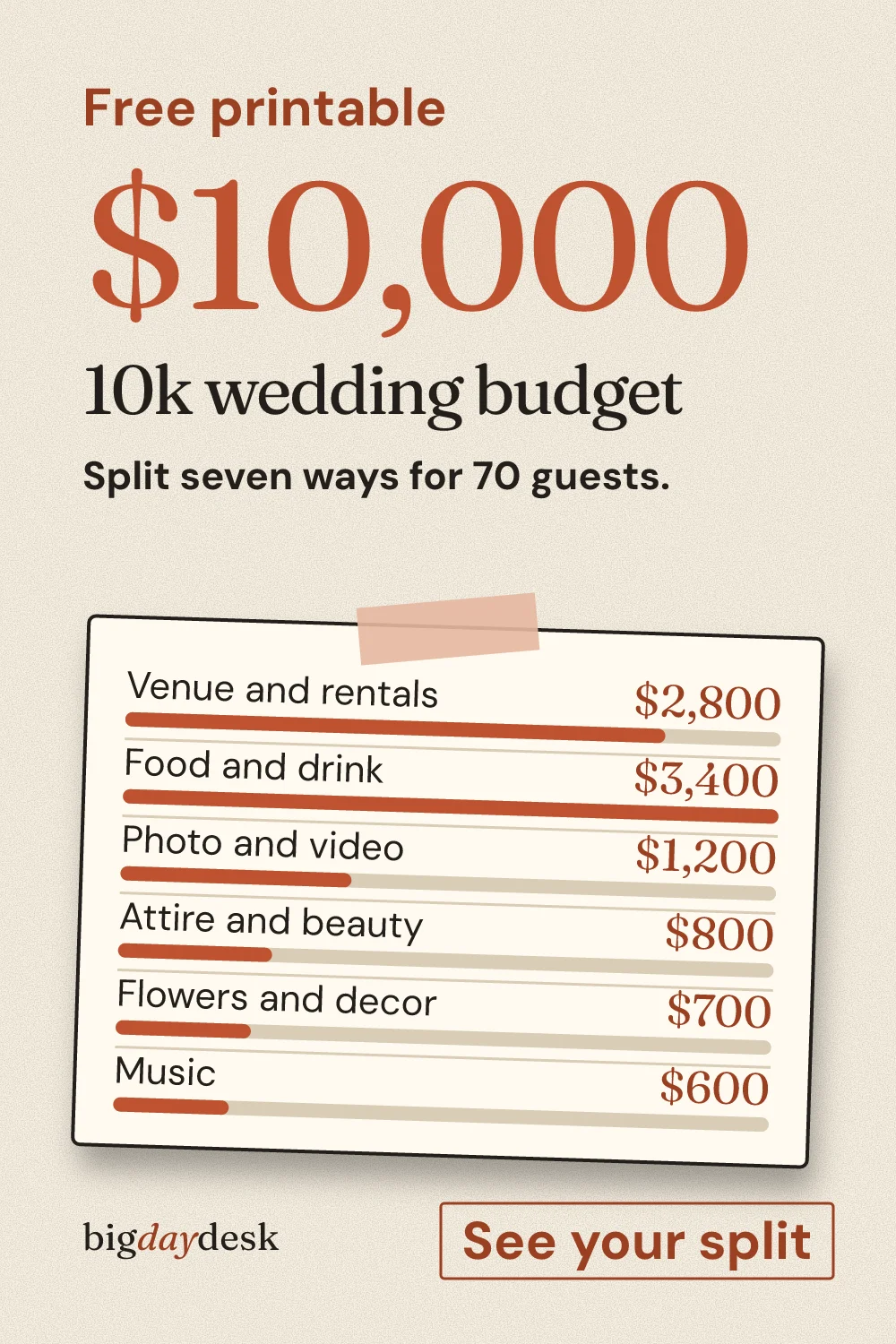
Mid-small total: how a $10,000 budget moves when guests go from 70 to 50, and where the cushion sits.
-
The only timeline page built for editing
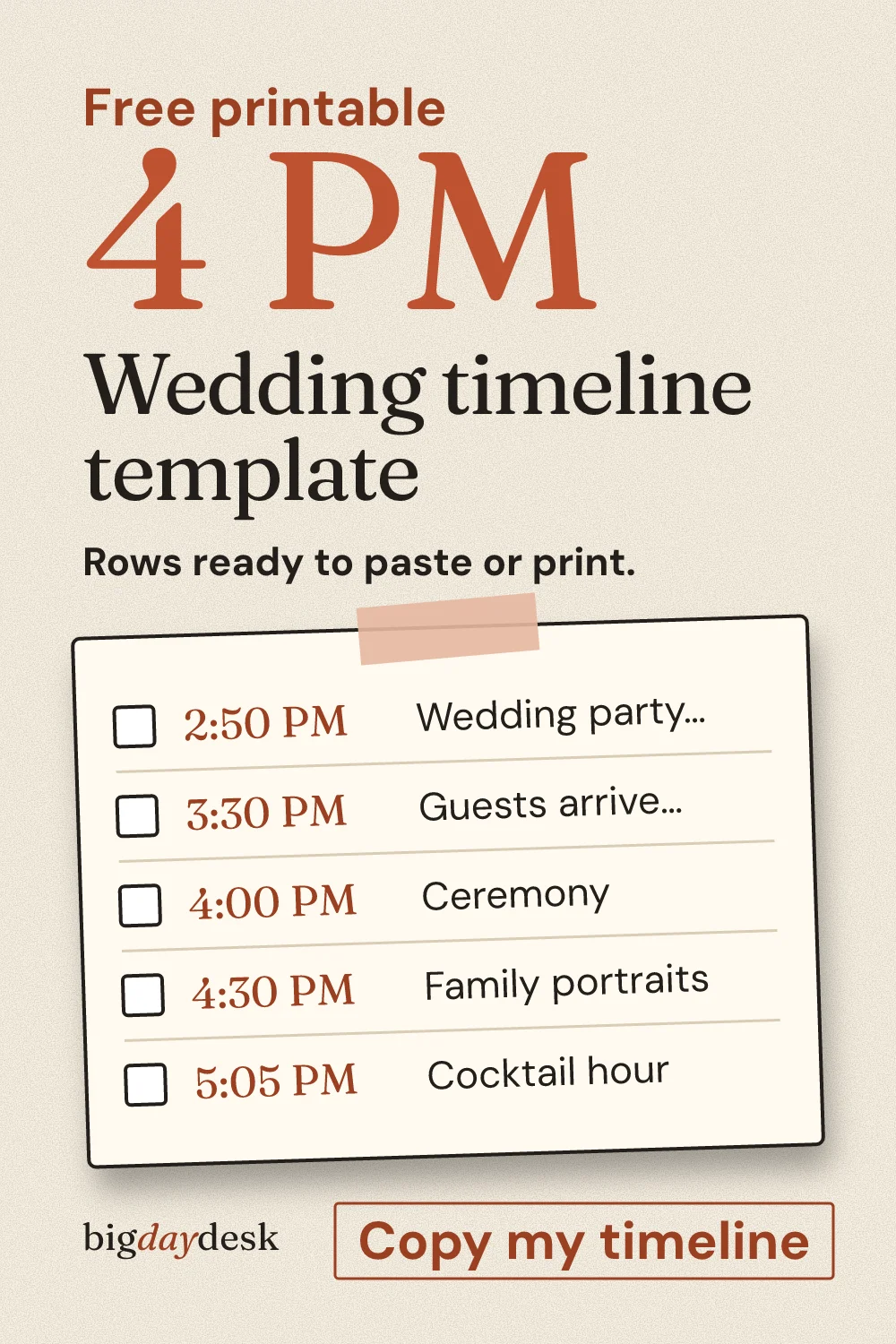
The only timeline page built for editing offline: a blank print sheet and tab-separated rows you paste into a spreadsheet.