51 to 120 guests. Step lengths are our pacing estimates, not measured data.
Paused: fix the time
Wedding day timelinebigdaydesk.com
Ceremony 4:00 PM, First look plan, Medium guest count
Your timeline
Share this result
Send this exact result. The link opens it the same way for them.
Save this result to Pinterest
Pin it now and find it when you are ready to plan.
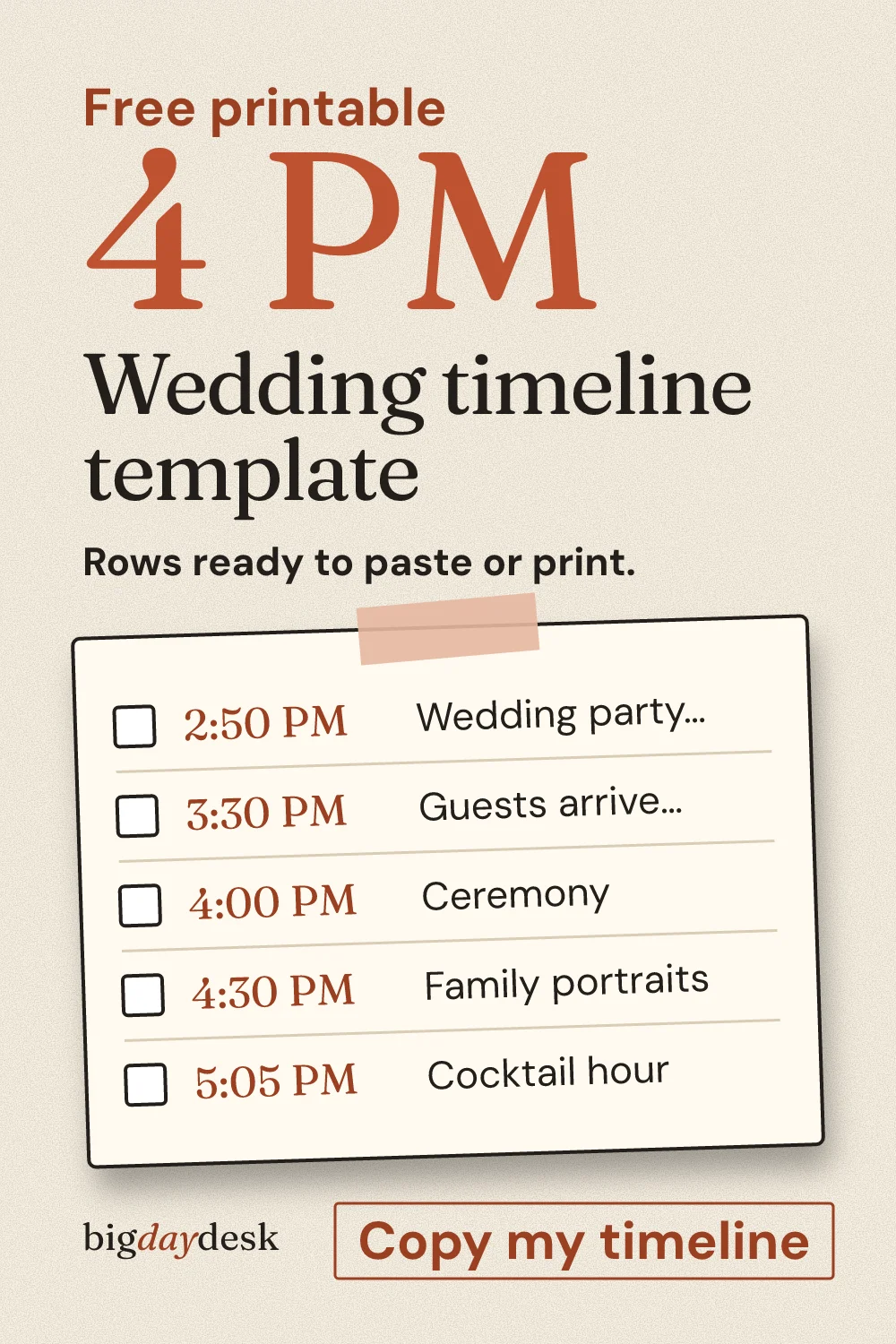
You have two ways to use this page. Press copy and paste the schedule into Google Sheets or Excel, where you can edit every cell. Or print the blank sheet and write your own times by hand. Both start from the same rows: time, step, owner and notes.
Template rows: time, step, owner and notes
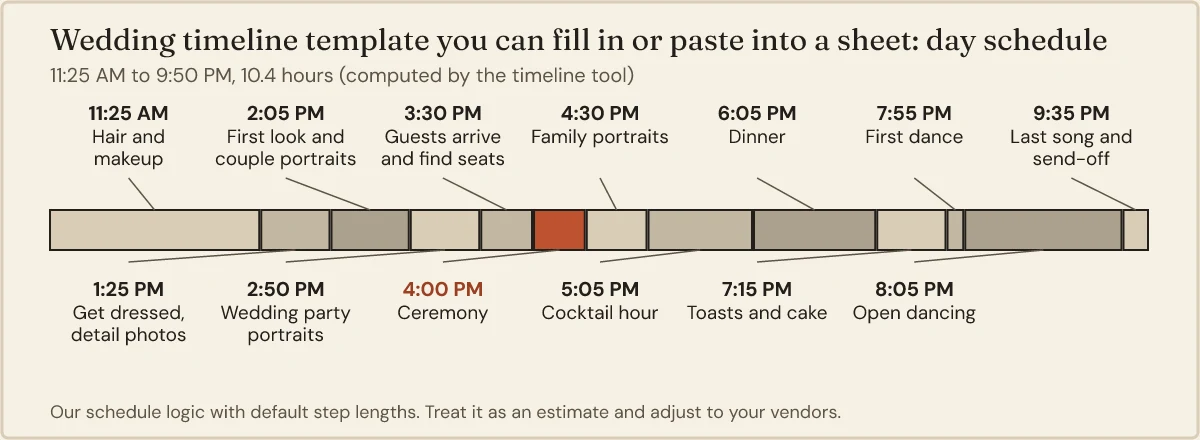
Here is the default day for a 4 PM ceremony with a first look and about 80 guests. Change the ceremony time or the plan in the tool above and these rows move with it. The owner column is the part most templates leave out, and it is the part that stops “I thought you were handling that.”
Table: default 4 PM schedule with an owner and a note for each row (our estimate, assumptions below)
| Time | Step | Owner | Notes |
|---|---|---|---|
| 11:25 AM | Hair and makeup | Stylist | Start with whoever has the most hair. Keep water and a snack in the room. |
| 1:25 PM | Get dressed, detail photos | Maid of honor | Rings, shoes and invitation set out before the photographer walks in. |
| 2:05 PM | First look and couple portraits | Photographer | Pick a quiet spot with shade. Tell the venue it is happening. |
| 2:50 PM | Wedding party portraits | Photographer | Party already dressed and holding bouquets. |
| 3:30 PM | Guests arrive and find seats | Ushers | Programs and the unplugged sign at the door. |
| 4:00 PM | Ceremony | Officiant | Music cue agreed with the DJ or musician. |
| 4:30 PM | Family portraits | Photographer | One person calls names from a written list. |
| 5:05 PM | Cocktail hour | Venue lead | Couple eats something here. |
| 6:05 PM | Dinner | Caterer | Confirm vegetarian and allergy plates with the server. |
| 7:15 PM | Toasts and cake | Best man | Mic checked before dinner ends. |
| 7:55 PM | First dance | DJ | Song queued, lights down. |
| 8:05 PM | Open dancing | DJ | Last-song time agreed in advance. |
| 9:35 PM | Last song and send-off | Planner or friend | Cars or rides confirmed for the couple. |
The times are our planning estimates, built from the pacing the tool uses. We assume a medium guest count of 51 to 120 and a ceremony of 30 minutes. The owners are examples. Replace them with real names the night before.
Copy the tab-separated version
This is the same schedule as plain text with a tab between columns. Spreadsheets read a tab as “next cell,” so it pastes into four neat columns.
Time	Step	Owner	Notes
11:25 AM	Hair and makeup	Stylist	105 min, then 15 min buffer
1:25 PM	Get dressed, detail photos	Maid of honor	30 min, then 10 min buffer
2:05 PM	First look and couple portraits	Photographer	30 min, then 15 min buffer
2:50 PM	Wedding party portraits	Photographer	30 min, then 10 min buffer
3:30 PM	Guests arrive and find seats	Ushers	30 min
4:00 PM	Ceremony	Officiant	30 min
4:30 PM	Family portraits	Photographer	30 min, then 5 min buffer
5:05 PM	Cocktail hour	Venue lead	60 min
6:05 PM	Dinner	Caterer	70 min
7:15 PM	Toasts and cake	Best man	30 min, then 10 min buffer
7:55 PM	First dance	DJ	10 min
8:05 PM	Open dancing	DJ	90 min
9:35 PM	Last song and send-off	Planner or friend	15 min
The day runs 11:25 AM to 9:50 PM, which is 625 minutes. Of that, 65 minutes are buffers. These figures are the tool’s estimate for the settings above.
The copy button in the tool gives you the live version for whatever time and plan you picked. The block above is just the default, so you can see what you will get.
Paste it into Google Sheets or Excel
- Pick your ceremony time, plan and guest count in the tool.
- Press the copy button for spreadsheet rows.
- Open a blank Google Sheet or Excel workbook and click cell A1.
- Paste. Four columns appear with no import wizard.
- If a time column shows decimals, select it and choose the Time format.
- Replace the example owners with names and add a column for phone numbers if you want one.
Google Docs and Word work too, but a table is harder to edit there. If you want a document, paste the rows into a sheet first, then copy the cells and paste them into the doc as a table.
Count from the ceremony: the blank sheet
If you would rather write on paper, this is the blank version. Fill in the left column from your real ceremony time, then add each offset. Nothing here depends on 4 PM, so it works for any start.
Table: how many minutes before or after the ceremony each default step falls (our estimate, assumptions below)
| Step | Minutes from ceremony | Your clock time | Owner |
|---|---|---|---|
| Hair and makeup starts | 275 before | ||
| Get dressed | 155 before | ||
| First look | 115 before | ||
| Wedding party portraits | 70 before | ||
| Guests arrive | 30 before | ||
| Ceremony | 0 | ||
| Family portraits | 30 after | ||
| Cocktail hour | 65 after | ||
| Dinner | 125 after | ||
| Toasts and cake | 195 after | ||
| First dance | 235 after | ||
| Open dancing | 245 after | ||
| Last song | 335 after |
These offsets are the medium-size, first-look plan from our tool. A church ceremony or a different guest count changes them. If your plan is different, use the tool to get the offsets and write those in instead.
Does your day need extra rows?
The default rows assume one location. Here is how two other plans change the same template, computed by the tool for a 4 PM ceremony.
Church ceremony, medium guest count. Two travel rows appear and the ceremony runs longer. Hair and makeup moves to 11:40 AM, the ceremony is 45 minutes, and the last song ends at 10:55 PM. The day is 675 minutes with 75 minutes of buffers.
Small guest count, first look. Shorter steps pull the day in. Hair and makeup starts at 12:00 PM and the last song ends at 8:15 PM. The day is 495 minutes with 65 minutes of buffers.
These are our estimates for the settings named, not measured data.
Add a “where” column only when the day changes location. For a church plus a reception hall, it saves the question “which building am I in at 5:10?” For a single venue it is clutter.
Three template mistakes and how to fix them
Times without owners. A row that nobody owns does not happen on time. Put one name on every row, even if it is “venue lead.” Two names means nobody.
No buffers. A schedule where every step starts the minute the last one ends has no room for a zipper or a late shuttle. Planners we cite suggest 10 to 15 minutes between major milestones. Keep the buffer inside the row note, as the tool does, so it stays visible.
One copy, many editors. If the whole wedding party edits one sheet, the real version gets lost. Pick one person to hold the master and have everyone else comment. After each change, re-send the PDF.
Why these buffers and durations
The tool’s pacing is our own estimate, not a survey. It lines up with published planner advice. Easy Weddings suggests 10 to 15 minutes between major milestones and about 30 minutes per person per hair or makeup service. Chapel of the Flowers gives the same 10 to 15 minute range and says to add time when the guest list passes 150. Zola’s sample day with a first look has the same order: getting ready, portraits, ceremony, cocktail hour. Sources differ on exact minutes, so treat every row as a starting point you check with your photographer and venue.
Send it to the people who need it
The sheet is only useful if the right person sees their rows. Here are short messages you can copy and edit.
- To your partner: “Here is the day as a sheet. Tell me which rows feel too tight.”
- To your maid of honor: “Can you look at the getting-ready rows and add anything the bridesmaids need?”
- To your photographer: “These are the photo rows with times. Does the first look slot work for the light?”
- To your planner or day-of lead: “Here is the current version. I will re-send after any change.”
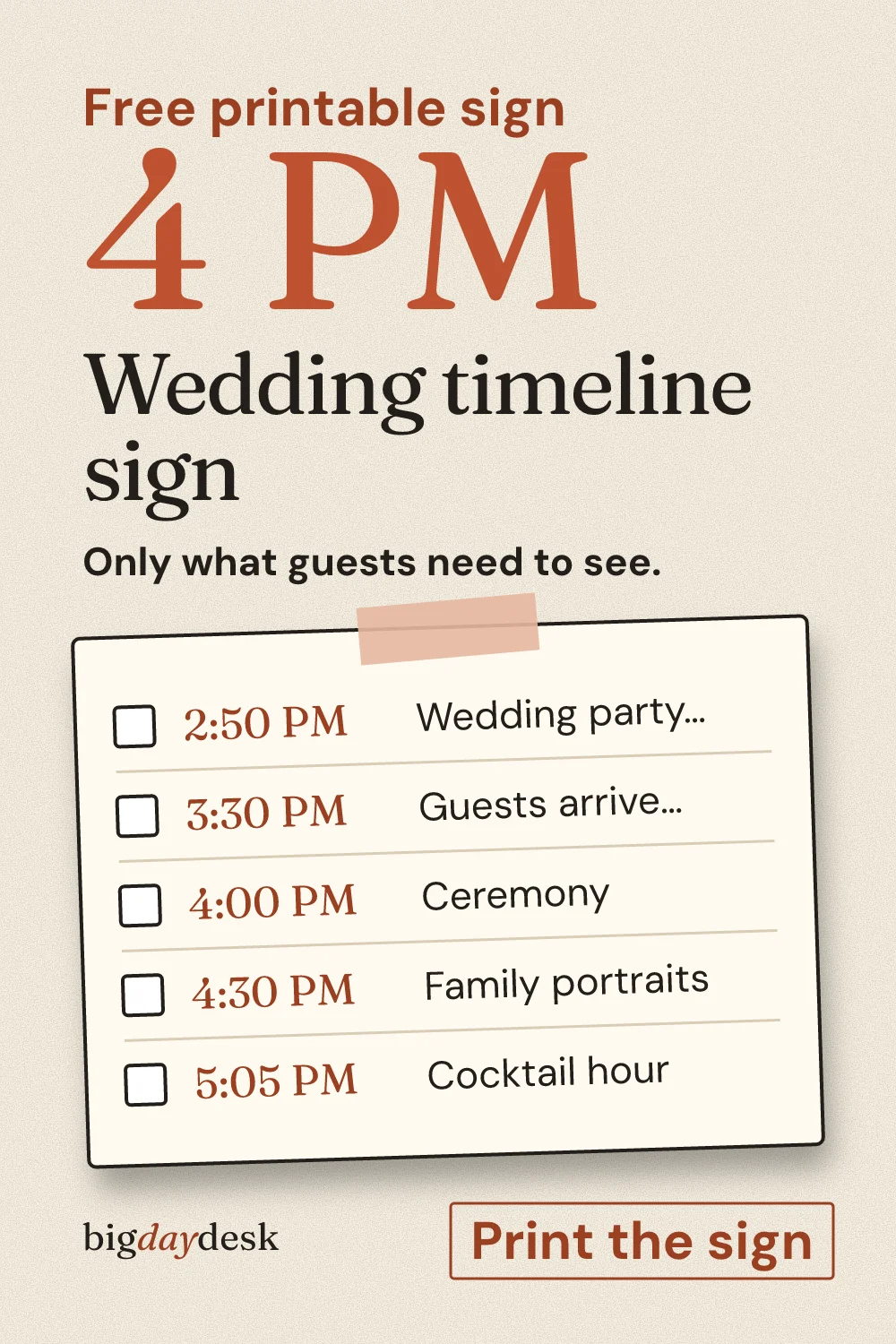
For the parts of the day you want guests to see, there is a separate sign for guests that lists only the anchor events. For the reception, the order of events page goes row by row from the entrance to the exit.
Where to go from here
If you want the live tool with a different start time, go to build the timeline from one ceremony time. To see how a single hour changes every row, open the 4 PM ceremony schedule. Skipping the first look moves portraits after the ceremony, which the no first look page lays out. Dates for everything before the wedding live in a checklist template with due dates, and money fits in a budget in a sheet.
Questions people ask
Can I use this timeline in Google Sheets?
Yes. Press the copy button, click cell A1 in a blank Google Sheet and paste. The four columns land in four columns because the rows are tab separated. If the times turn into odd numbers, select the column and set the format to Time. The same paste works in Excel and Numbers.
What columns should a wedding timeline template have?
Start with four. Time, step, owner and notes cover most days. Add a fifth for the place only if the day moves between locations, such as a church and a separate reception hall. More columns than that tend to go stale, because nobody updates a column that only one person reads.
How do I share my timeline with vendors?
Send each vendor their own rows, not the whole sheet. In a spreadsheet, filter the owner column and export that view as a PDF. Add one line on top with the ceremony time and a phone number for the person who answers on the day. Re-send after every change so nobody works from an old copy.
Is there a wedding timeline template free to print?
Yes. Use the print button on the tool above for a one-page sheet with checkbox rows, or print the count-from-the-ceremony table on this page and write your own clock times next to each offset. Both are free, need no account, and fit on one page in Letter or A4.
Sources
- www.easyweddings.com.au/articles/how-to-plan-the-perfect-wedding-day-timeline (opens in a new tab) : Buffers of 10 to 15 minutes between major milestones, and about 30 minutes of hair or makeup per person per service.
- www.littlechapel.com/wedding-blog/?p=13136 (opens in a new tab) : Buffers of 10 to 15 minutes between major events, with more time added for guest lists over 150.
- www.zola.com/expert-advice/how-long-do-wedding-photos-take (opens in a new tab) : Sample wedding day with a first look, used as a cross-check on the order of getting ready, portraits, ceremony and cocktail hour.
Updated by bigdaydesk editorial
Keep planning
-
wedding timeline sign
Guest-facing view of the timeline: private steps like hair and makeup are removed and the sign is laid out for print.
-
Plan the day around timeline of events
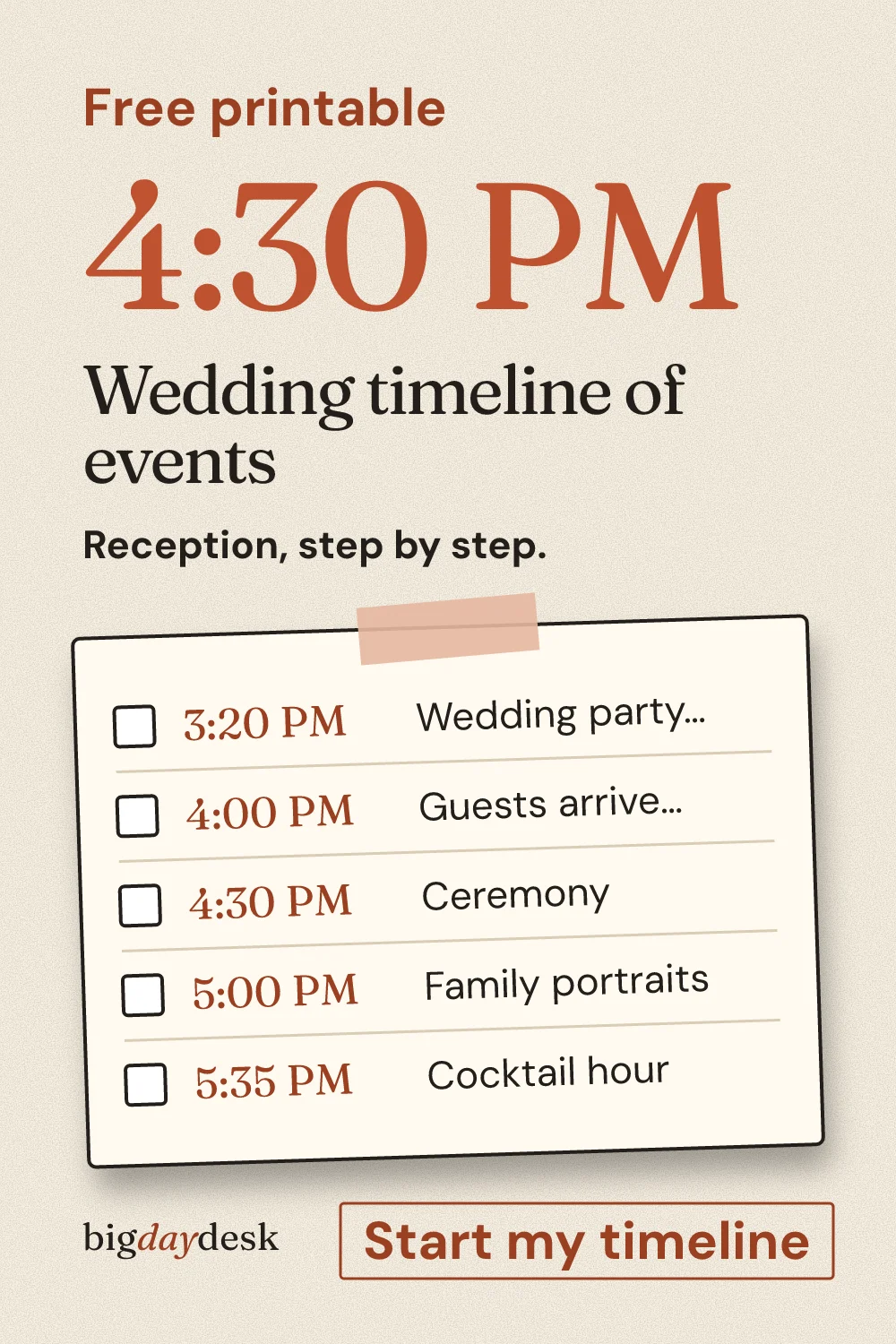
Reception only: the order of events with a clock time for each, so the DJ and caterer share one sheet.
-
Curious about timeline for 4pm ceremony?
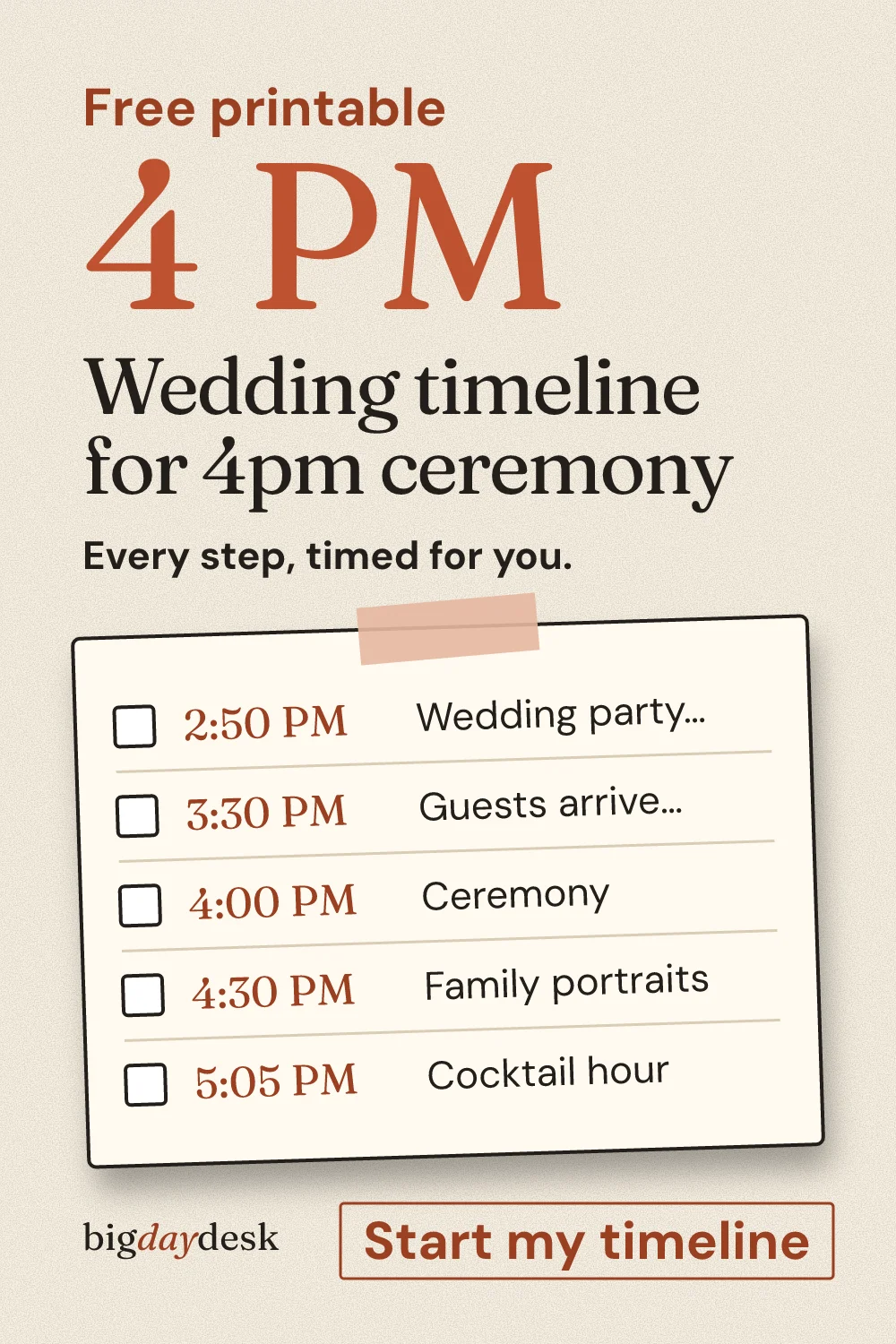
The most searched ceremony time: a classic late-afternoon day with an indoor and an outdoor variant and what to cut when running late.
-
Work through checklist template
Spreadsheet-shaped: owner, due and status columns, exported as tab-separated rows you paste into Sheets or Excel.