Draft: this policy is not final and needs legal review before launch.
bigdaydesk does not keep what you type. The tools run in your browser, we have no accounts, and nothing you enter is sent to our server. Ads and analytics stay off until you accept them. You can change that choice at any time.
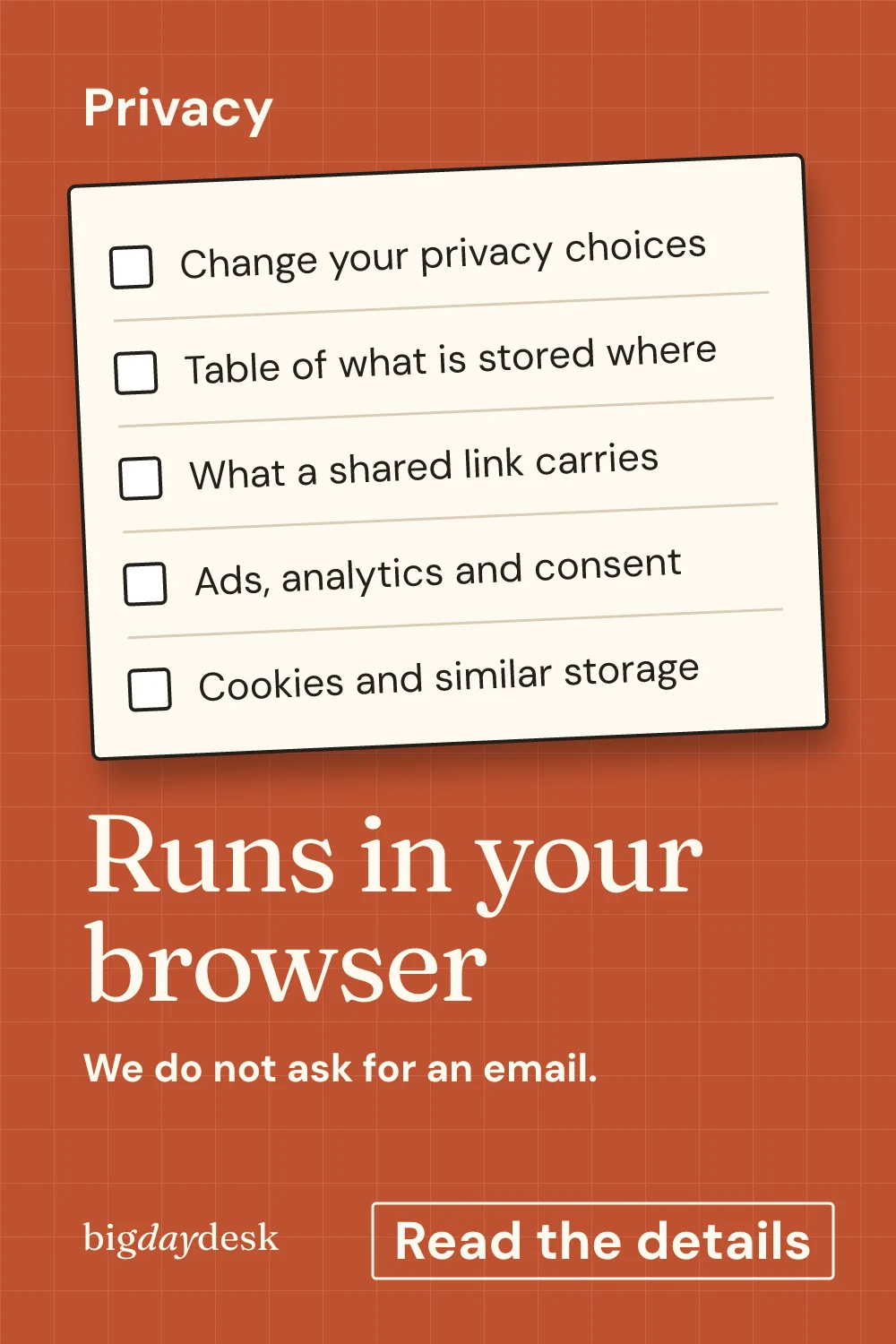
Change your privacy choices
Use the panel on this page to reopen the consent bar. Pick Reject, Accept or Manage. The choice applies to ads and analytics only. The tools work the same either way.
If you want to forget a choice you made earlier, reopen the panel and pick Reject. Your browser keeps one small note of your answer so the bar does not ask on every page. Clearing site data in your browser removes that note.
Table of what is stored where
This table covers every place a piece of information can live on bigdaydesk. It describes how the site is built today.
| What | Browser (your device) | Shared link | Our server |
|---|---|---|---|
| Ceremony time, budget total, guest count | In memory while the page is open | Yes, in the query part of the link, only if you copy it | No |
| Seating chart names and vow names | In memory while the page is open | Yes, in the hash part of the link, only if you copy it | No |
| Ticked checklist steps | May be remembered on your device so a return visit shows your progress | Only if you copy a link that includes them | No |
| Your Reject or Accept choice | One small stored note on your device | No | No |
| Printed sheet or downloaded share card | Created on your device | Not applicable | No |
| Email, password, account | Not asked | Not applicable | Not collected |
Two rows deserve a closer look. The query part of a link starts after a question mark and is part of what a web server can see when you open the link. It holds numbers and choices only, such as a time or a budget total. The hash part starts after a #. Browsers keep it on your device and do not send it with the page request. That is why free text such as names goes there.
What a shared link carries
A share link holds your current settings and nothing else. We add no user ID, no tracking tag and no hidden campaign code.
Example of a link anatomy, built from the same rules the tools use. These values are an example, not real user data.
- Timeline for a 5:30 PM church ceremony: the page address, then
?t=17:30&scenario=church. - Seating chart with two guest names: the page address, then
#names=Ana.Ben~Cleo. The names sit after the hash and are percent-encoded. - Clean address with no choices changed: the page address alone, with no query and no hash.
Every page keeps one clean canonical address. A link with settings opens the same page and the tool reads the settings from the address. Search engines see the clean page.
Ads, analytics and consent
Consent controls two things: advertising and analytics.
- Before you choose, both are denied. No ad or analytics script runs and no request goes to an ad or analytics host.
- Reject keeps them off. Accept lets them load. Manage lets you decide each one.
- No ad network is connected at the time of writing. When one is, it will load only after Accept.
- Share clicks, copy-link clicks and share-card downloads are counted only after Accept. Before that, those buttons do nothing but their job.
The choice bar sits at the top of every page so it never covers a tool. Reject and Accept have equal weight.
Cookies and similar storage
The site sets no cookie to log you in, because there is no login. The only thing it stores by itself is your consent answer and, in tools that offer it, your last settings or ticked steps so they are there when you return. This storage lives in your browser and never leaves it unless you copy a link.
If you accept analytics, Google Analytics 4 (Google LLC) loads and sets its own cookies to count visits, page views and share or print clicks. If you reject, it never loads and no request goes to Google. No ad provider is live yet; we will name it on this page before it goes live.
Request logs and hosting
Any website host keeps ordinary request records, such as the page asked for and the time. bigdaydesk adds nothing to those records. Because the hash part of a link is never sent to a server, names you type do not appear in them. The query part can appear, so keep personal details out of it. The tools never put them there.
The site is hosted as plain static files. There is no database behind it.
Ready-made wording to send
Someone asked what the tools do with your guest list? Copy one of these.
- To your partner: “I used a free printable planner that runs in the browser. It does not store our guest names. Here is the link.”
- To your maid of honor or best man: “This page keeps nothing on a server. Open my link and you see my settings, then change them if you like.”
- To your planner: “Here is the timeline link. It holds only the times, so you can edit it and send it back.”
What is still pending
Two things are not finished, and we would rather say so.
- Legal review of this page has not happened yet.
- A certified consent vendor has not been chosen. The bar you see follows the behavior described above.
When any of these change, the date on this page changes with it. See how the site and its numbers work for the editorial side.
Where to go next
The quickest way to see all this in action is to open a tool and watch the address bar. Try the timeline for your ceremony time and change the time. The link updates, and nothing else does. The budget split for your total works the same way. For names, the seating chart for your tables shows the hash form. The month-by-month planning checklist is the one that may remember your ticks on your device. Prefer a full list? Browse all the free wedding planning tools, or start a wedding vows template.
Save for later
Pin it now and find it when you are ready to plan.
Questions people ask
Do you see the names I type into the seating chart?
No. Names stay in your browser. If you copy the share link, the names travel inside the part of the link after the hash mark, which browsers do not send to a website when a page loads. Anyone you send the link to can read them, so share it only with people you trust.
Do I need an account or an email address?
No. Nothing on bigdaydesk asks for an account, a password or an email address. You open a tool, type a few numbers, and print or share the result. If we ever add an email option, it will come after the print step and stay optional.
Can I change my consent choice later?
Yes, at any time. Use the privacy choices panel near the top of this page. It reopens the same Reject, Accept and Manage options the choice bar showed on your first visit. Your new choice replaces the old one straight away, and Reject is always one tap.
Is this page legal advice or a finished legal document?
No. It is a plain-language description of how the site works today, written by bigdaydesk editorial. It has not had a legal review yet. Questions go to [email protected], and the date at the top of the page changes when this page does.
Keep planning
-
About bigdaydesk
States plainly what the site is, that nothing you type is stored on a server, and how numbers are made.
-
Curious about timeline planner?
One ceremony time drives every step, timed backward and forward, with guest count and scenario switches and a one-page printout.
-
Split your budget
Total, guests and region in; category amounts out, with an adjustable cushion and a per-guest figure labeled as an estimate.