bigdaydesk is a small set of free wedding planning tools that print on one page. You type a few numbers, such as a ceremony time or a total budget, and get a sheet you can tape to a fridge or send to your planner. Nothing you type leaves your browser.
What this site is, and what it is not
It is a desk of tools: a day-of timeline, a budget split, a seating chart, vow templates and printable games. Each one gives you a working first draft in seconds, then lets you change it.
It is not a vendor directory, a marketplace or a planner you hire. We do not take bookings or sell your attention. If we ever add a paid link, it is labeled before you reach it.
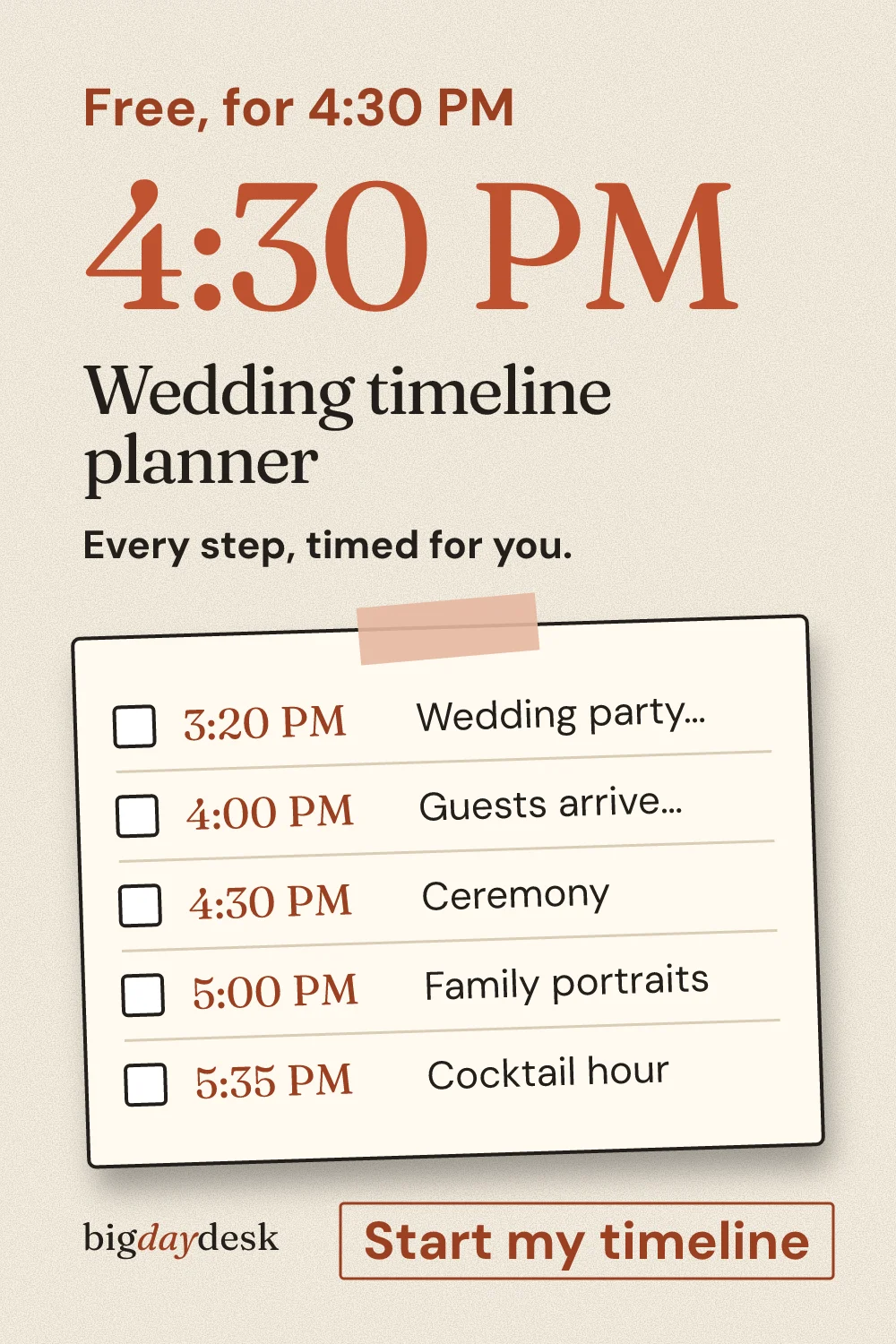
You can start from the full set of planning tools or go straight to a printable wedding day timeline if the day itself is what worries you.
How the tools work in your browser
Every tool runs on your own device. The page loads once, and then the math happens locally. There is no account, no email box and no saved profile.
Your choices live in the address bar. Change the ceremony time and the link changes with it. Copy that link and whoever opens it sees the same sheet, with the same rows in the same order.
That is also how you share. The Share row on each page sends the link by text, email or WhatsApp, or saves the page to Pinterest. Names you type, such as seating names, stay after the # in the link, which browsers do not send to a server. Details are on the privacy page.
List of how every number is made
Numbers on this site come from one of three places. Each one is labeled so you can tell which you are looking at.
- Computed by our tool. A rule we wrote turns your input into a result, such as moving every timeline step when you change the ceremony time. These are estimates. They show where the time or money could go, not what a vendor will charge.
- Our planning assumption. A default we chose, such as a percent split for a budget category. The page states the assumption next to the result. Change it to match your quotes.
- Sourced from outside. A figure from a study, a vendor guide or an official page. The page lists the link in its Sources section and says what the link supports.
If no source backs a claim, we cut the claim. We do not invent statistics, prices or quotes, and we do not copy text from other sites.
Here is a small example of the first two kinds working together.
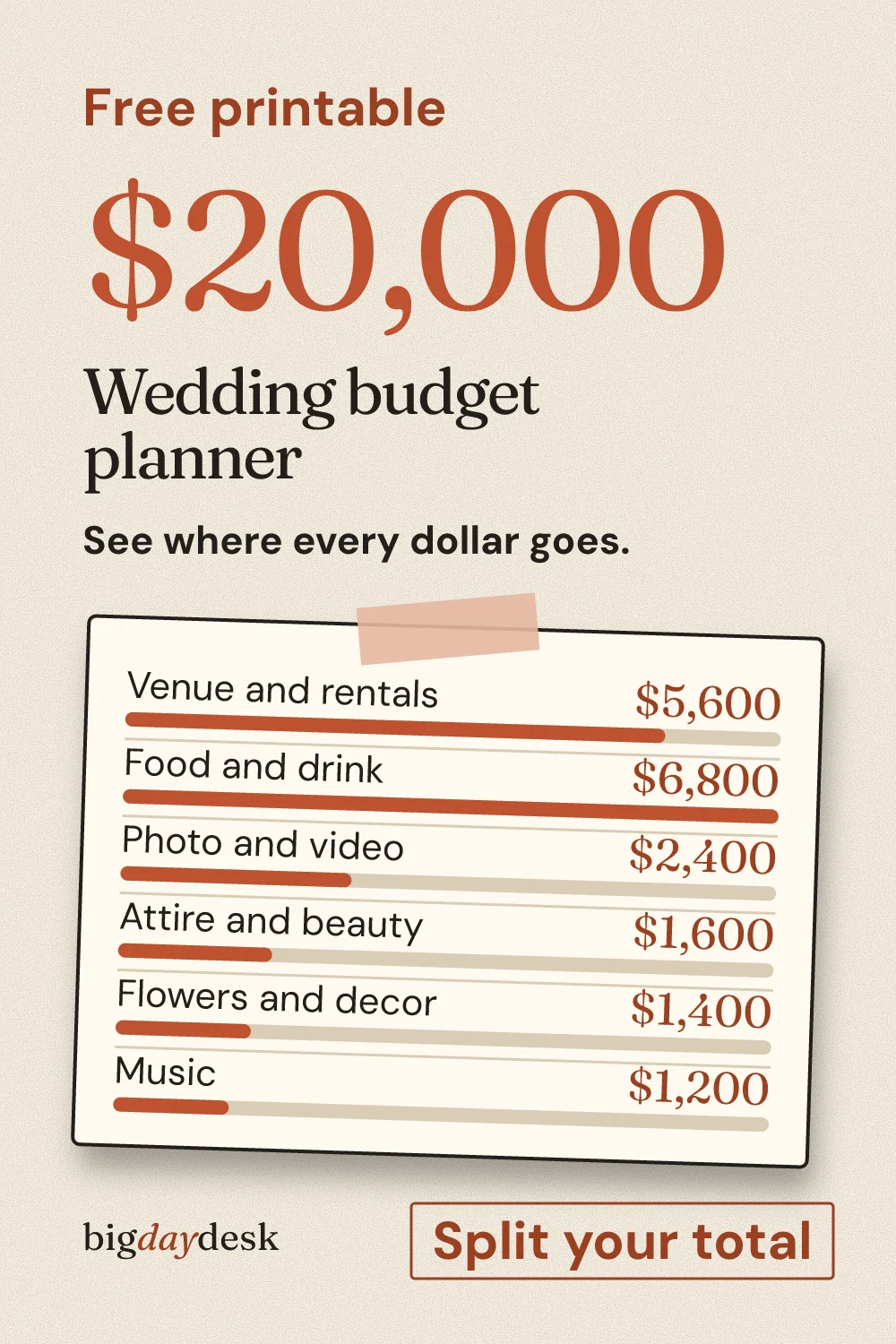
Example: a 20,000 total, medium guest count, using our default split.
| Category | Our assumption | Computed amount |
|---|---|---|
| Venue and rentals | 28 percent | 5,600 |
| Food and drink | 34 percent | 6,800 |
| Photo and video | 12 percent | 2,400 |
| Attire and beauty | 8 percent | 1,600 |
| Flowers and decor | 7 percent | 1,400 |
| Music | 6 percent | 1,200 |
| Cushion | 5 percent | 1,000 |
Each amount is the total times the assumed share, so the seven lines add back to 20,000. The shares are our estimate. Your venue quote will move them, which is the point of a first draft.
The same split sits inside the budget planner, where you can enter your own total and see every line recalculate.
Editorial standards
Pages are written by bigdaydesk editorial. No named expert is attached to a page, and we do not claim credentials we cannot show. Author attribution is pending a decision, and until then every page is credited to the site.
Each page answers one question and does something: it calculates, ticks off, copies or prints. We would rather have fewer pages than a page that repeats a sibling with new numbers swapped in.
Copy is plain and written to be read quickly. We avoid hype, because planning a wedding already has enough of it.
How ads and affiliate links are handled
Ads, if they appear, sit in a labeled slot that says Advertisement. They never sit above the heading or between your input and the result, and they are hidden when you print. This page and the privacy page carry none.
Analytics and ad scripts load only after you choose to allow them. Share clicks are counted only after that choice, never before.
Report a correction
If a number looks wrong, tell us which page, which input and what you expected. We recompute it from the tool logic, fix the page, and change its updated date only when the content changes.
Write to [email protected] with the page address and what looked wrong. The copy lines below help you describe it.
Lines you can copy
Pick a line and paste it into a message to a partner, a friend or a planner. Each is short and stands on its own.
- bigdaydesk makes free wedding planning tools that print on one page. You type a few numbers, and nothing you enter is sent to a server.
- Here is a free place to start the day-of schedule: type your ceremony time and every step moves with it. Try the timeline tool and send me what you change.
- The numbers on bigdaydesk are labeled as our estimate, our assumption or sourced from a linked page, so you can see which is which.
- Planning the tables? The seating chart maker turns a guest count into a printable sheet you fill in with a pen.
- Found a mistake on a bigdaydesk page? Note the page, the input and the number you expected, and send it along so the author can recheck it.
Looking for something to do with the rest of the week? Browse the free printables and games or draft something personal with the vow ideas.
Save for later
Pin it now and find it when you are ready to plan.
Keep planning
-
How bigdaydesk handles your data
Plain-language privacy page with a working panel that reopens the consent choices.
-
Wedding timeline
One ceremony time drives every step, timed backward and forward, with guest count and scenario switches and a one-page printout.
-
wedding budget planner
Total, guests and region in; category amounts out, with an adjustable cushion and a per-guest figure labeled as an estimate.